Free, helpful information about Card Guides and related How To Accept Credit Card Payment topics.
Get clear and easy-to-understand details about How To Accept Credit Card Payment topics and resources.
Answer a few optional questions to receive offers or information related to Card Guides. The survey is optional and not required to access your free guide.
If you're selling goods or services, accepting credit card payments makes it easier for customers to buy and helps you get paid faster. But the process involves several moving parts—payment processors, merchant accounts, hardware or software, and fees. Understanding how these work together helps you choose the right setup for your business model.
When someone swipes, taps, or enters a credit card number, several things occur behind the scenes. The payment processor—a company authorized to handle card transactions—contacts the customer's bank to verify the card is valid and has sufficient funds. If approved, the funds are held and transferred to your merchant account (a special bank account that receives card payments), then deposited into your regular business bank account. This process typically takes 1–3 business days, though timing varies by processor and bank.
The card network (Visa, Mastercard, American Express, or Discover) facilitates the communication between banks but doesn't handle the money directly. Your payment processor is the intermediary you contract with to make this system work.
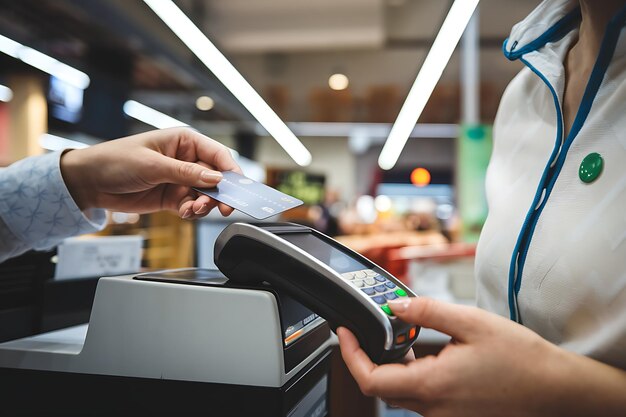
In-person payments require hardware—a card reader that connects to a smartphone, tablet, or traditional point-of-sale terminal. You physically process the transaction in front of the customer.
Online or remote payments use a payment gateway—software that securely collects card information on your website or app. The customer enters their details directly, and the processor handles authorization.
Some businesses use both. A bakery might use a phone-based reader at the counter and a website gateway for online orders.
Your choice depends on several factors:
| Factor | Impact |
|---|---|
| Business type | Retail/service (in-person) vs. e-commerce (online) vs. both |
| Transaction volume | Higher volume may qualify you for better rates or require more robust systems |
| Average transaction size | Fees are often a percentage of each sale; large transactions make percentage-based fees more noticeable |
| Customer base location | Domestic-only vs. international affects processor choices and fraud risk |
| Technical comfort | Some solutions are plug-and-play; others require more setup and integration |
A payment processor is the service that handles the transaction flow. Common types include:
Most small businesses start with all-in-one providers because they handle compliance, reduce paperwork, and let you start accepting payments within days.
Card acceptance isn't free. Typical costs include:
Your total cost per transaction depends on your volume, transaction size, and the processor's pricing model.
PCI DSS (Payment Card Industry Data Security Standard) is a set of security requirements you must follow if you handle card data. Violating them can result in fines or loss of payment processing ability.
Most small business owners avoid the compliance headache by letting a major processor handle it.
Your "right" choice depends on questions only you can answer:
Different business profiles will naturally land on different solutions. A freelancer taking occasional online payments has completely different needs than a retail store processing 200 transactions daily.
Once you've identified your business model, research processors that serve your specific use case. Compare their fee structures, contract terms, and customer reviews. Most offer free trials or low-risk initial periods, which is a good way to test before fully committing.